This project aims to help students improve their public speaking skills, while fostering social connectedness and reducing presentation anxiety.
Pitch video
My Role
• Conducted UX research • Created user persona & user journey maps • Synthesized data • Ideated & wireframed solutions • Created medium-fidelity clickable prototype • Conducted usability testing with prototype • Created pitch video to showcase product
Tools
• Balsamiq • Miro • Adobe CC • Google Workspace
Secondary Research
Fear of public speaking affects 70% of people (Montopoli, 2017) [Public speaking skills are] important in the workplace (Lorenz, 2018)
Presenting in a less familiar language adds pressure (Elliot & Chong, 2005)
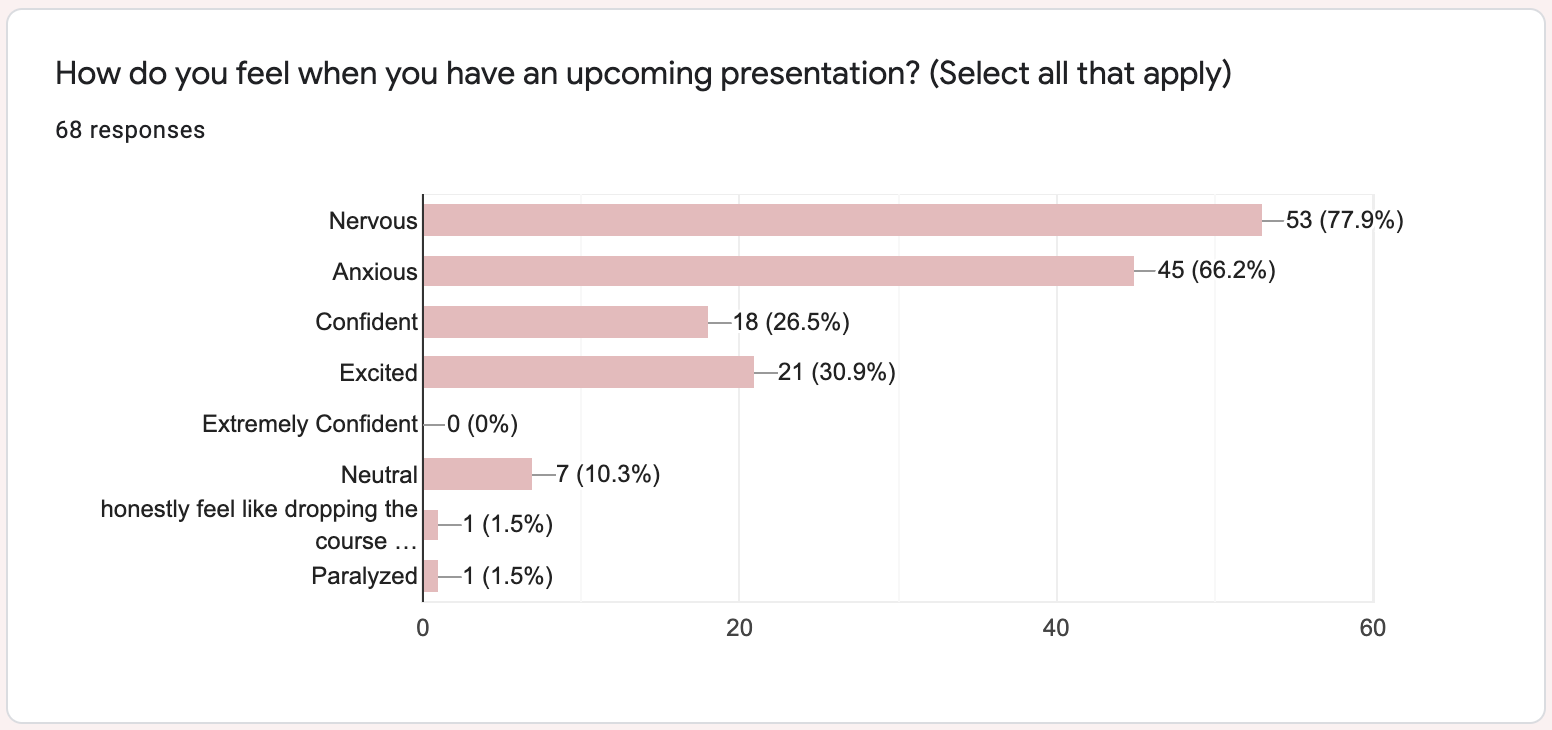
Survey question results for “How do you feel when you have an upcoming presentation?”
Primary Research
Interview: 10 participants
• 9/10 participants interviewed expressed feelings of anxiety before and during presentations
• 3/10 participants reported feeling embarrassed when asking to practice a presentation with a friend
Survey: 68 participants
• 78% of participants stated that giving presentations makes them feel nervous.
• 71% of participants favoured in-person presentations over online
• 51% of participants expressed concern regarding their confidence
Persona
Based on our user research we developed a persona: Anita the anxious presenter.
As-is Scenario
I sketched a draft of the as-is scenario
We used our persona to construct an As-Is scenario,which allowed us to pinpoint Anita’s pain points.
We identified Anita’s 4 major needs through crafting needs statements based on her persona and the pain points identified in her as-is scenario.
Need 1: Social Connectedness Need 2: Feedback Need 3: Anxiety Mitigation Need 4: Meaningful Practice
To-be Scenario
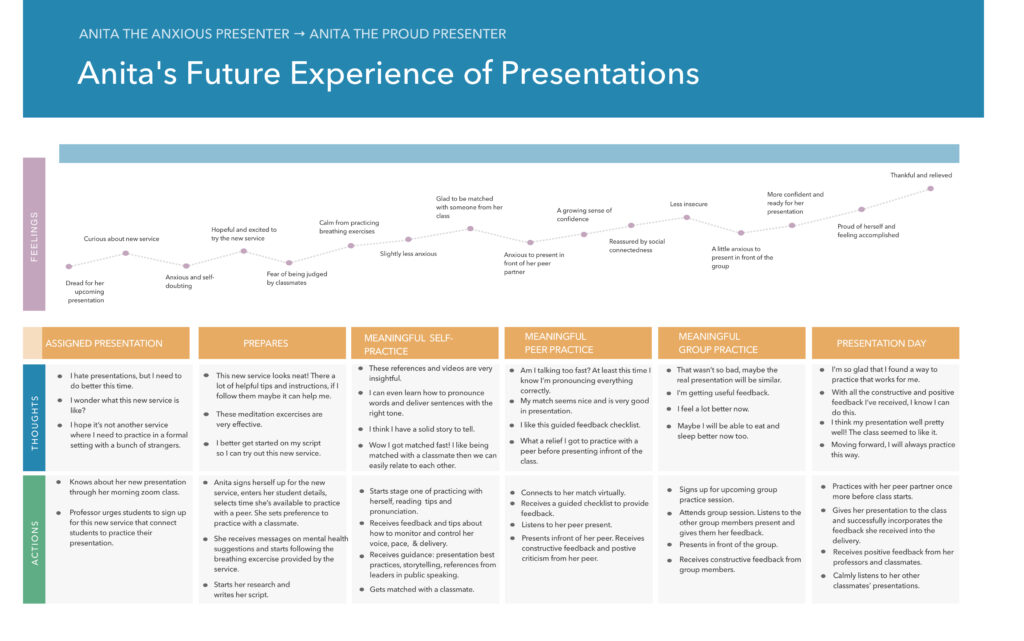
I ideated design solutions and used a prioritization grid to assess the impact and feasibility of each idea. We voted on ideas to take forward and implemented them into a to-be scenario, which demonstrates how Anita’s journey would be improved with our solutions.
Prototyping
We started with a low fidelity paper wireframe of the website, and developed a sequential storyboard to imagine Anita’s complete interaction.
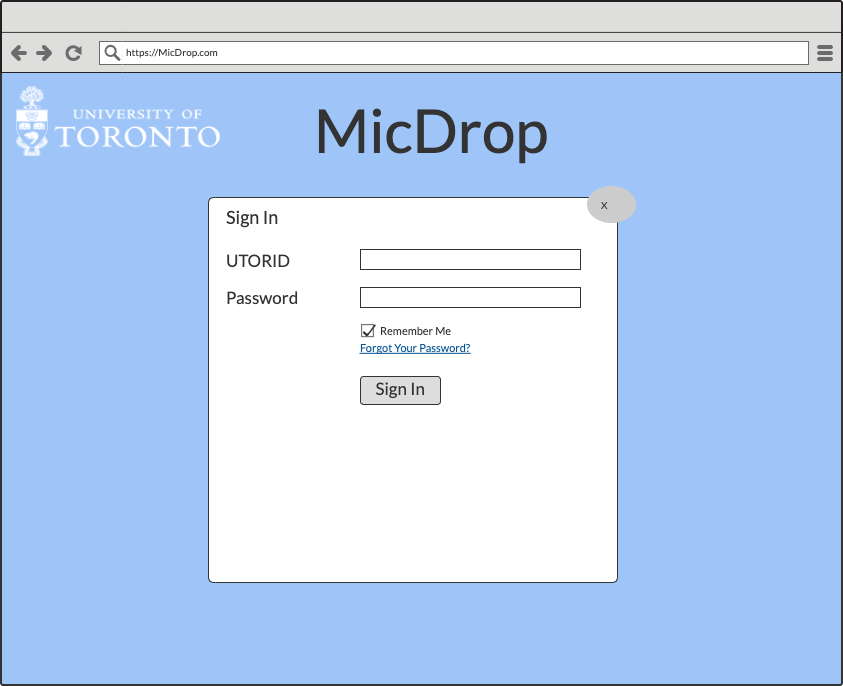
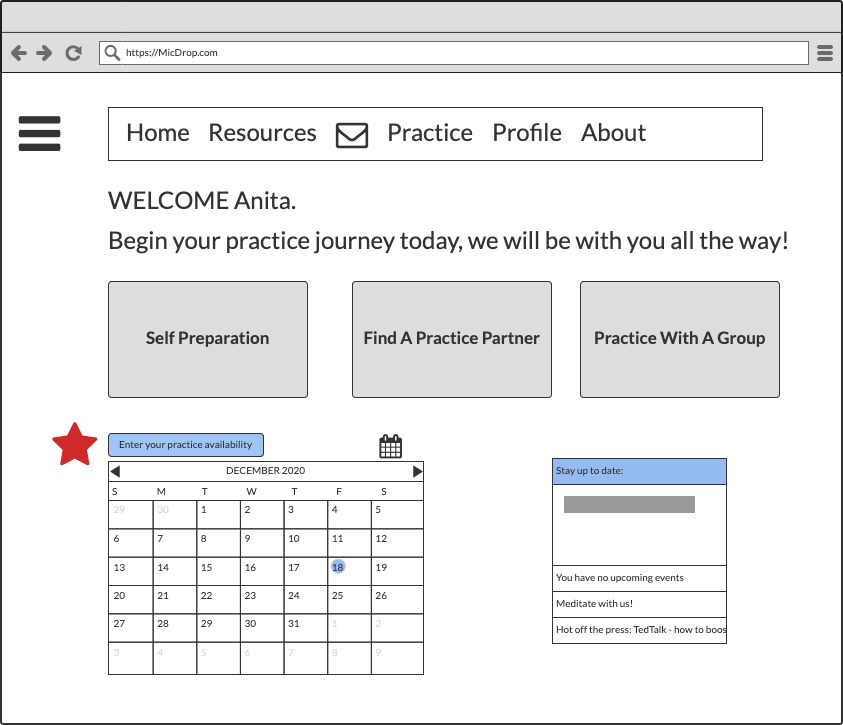
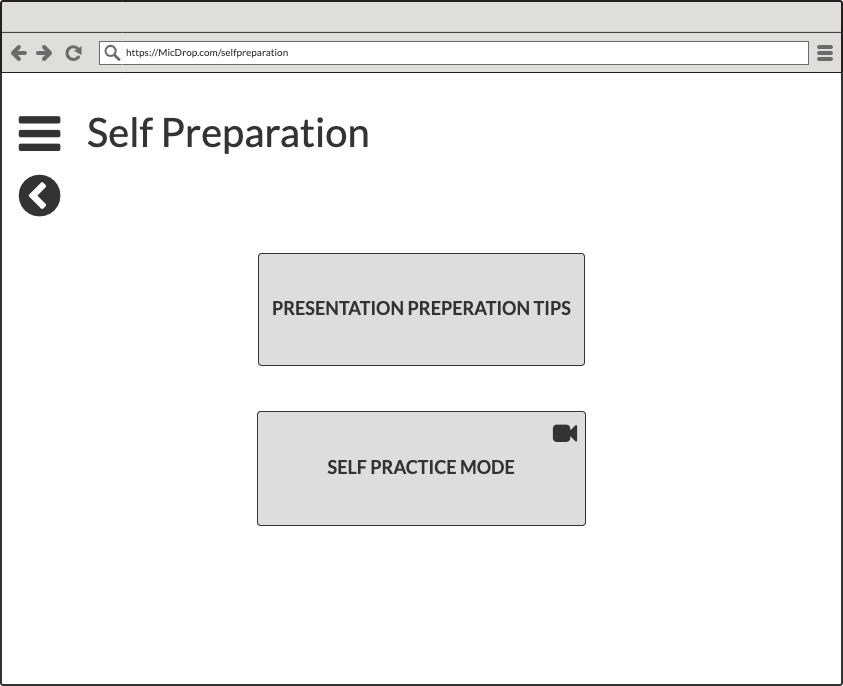
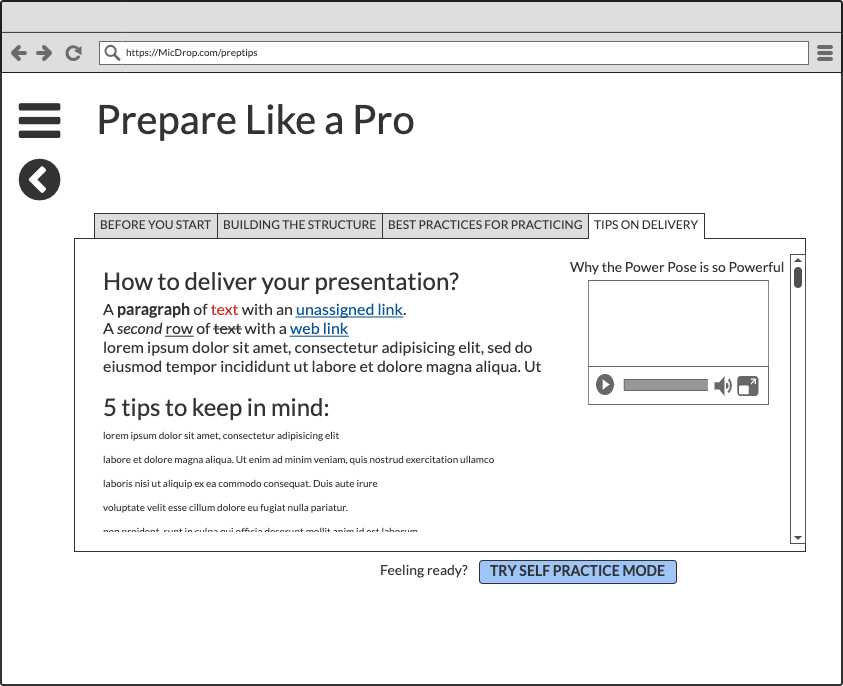
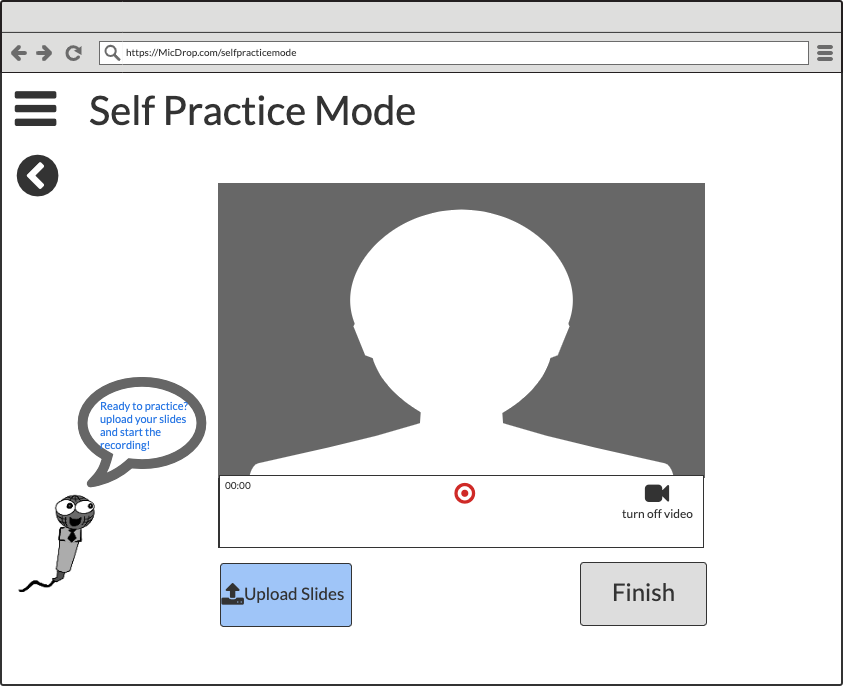
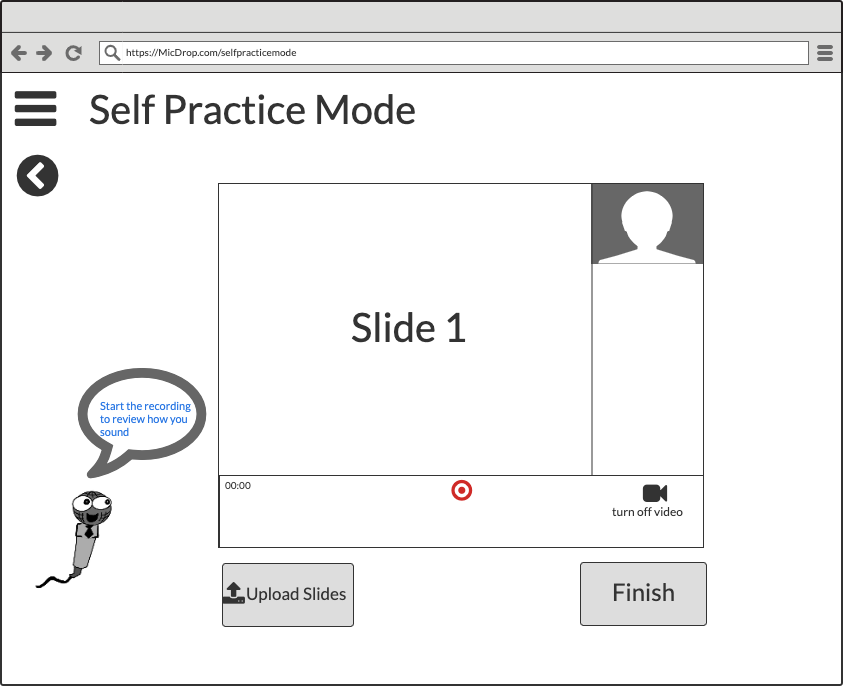
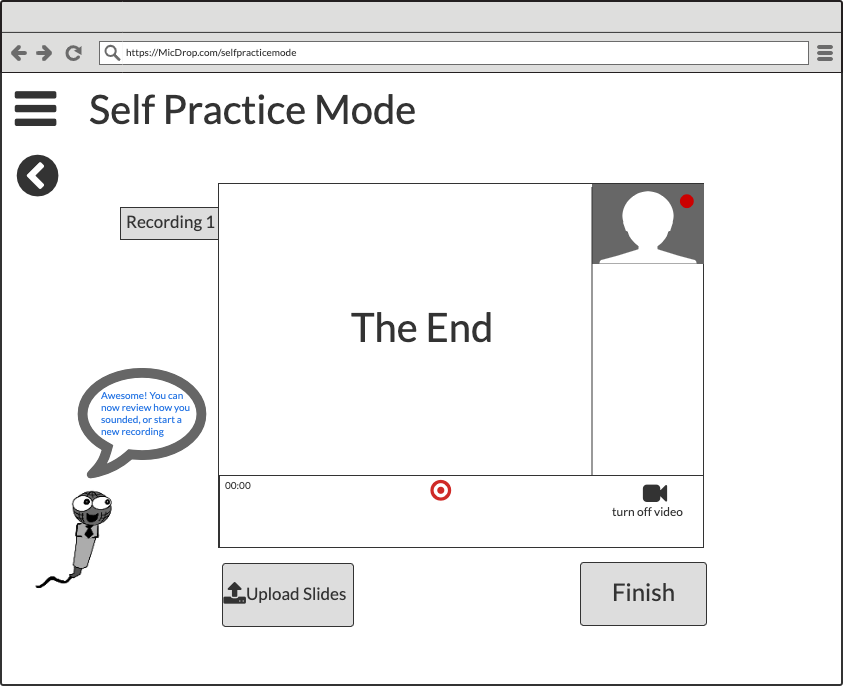
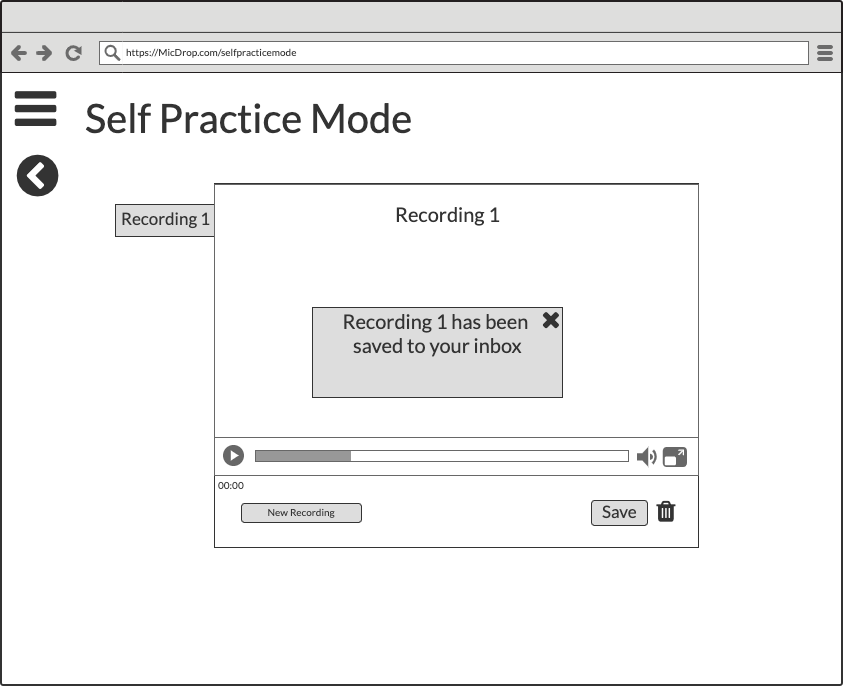
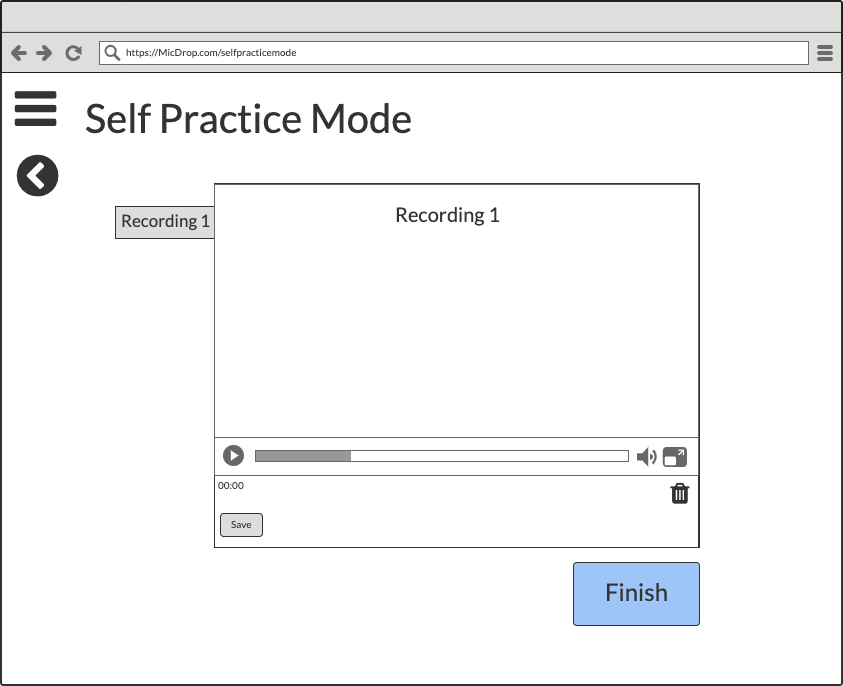
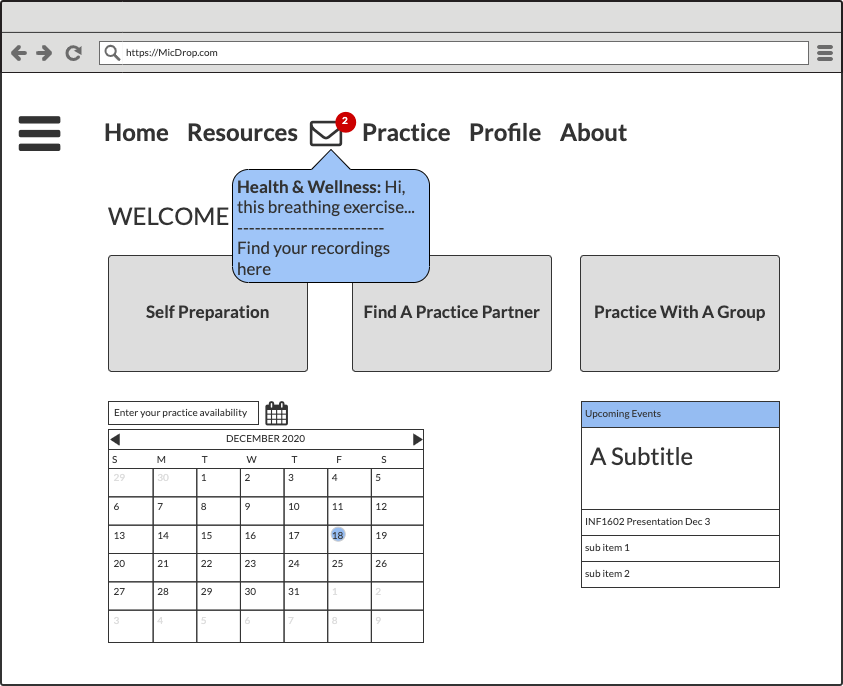
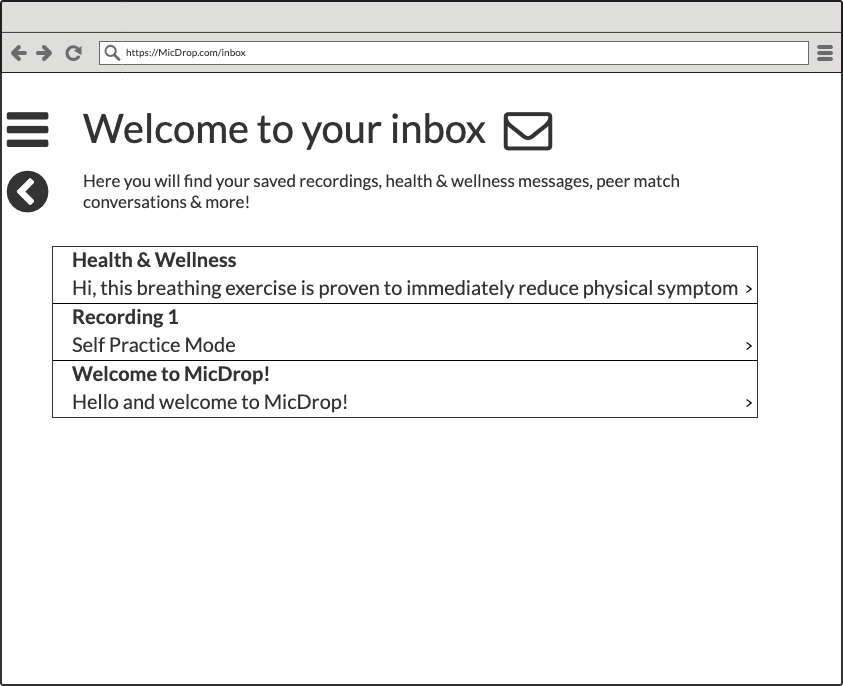
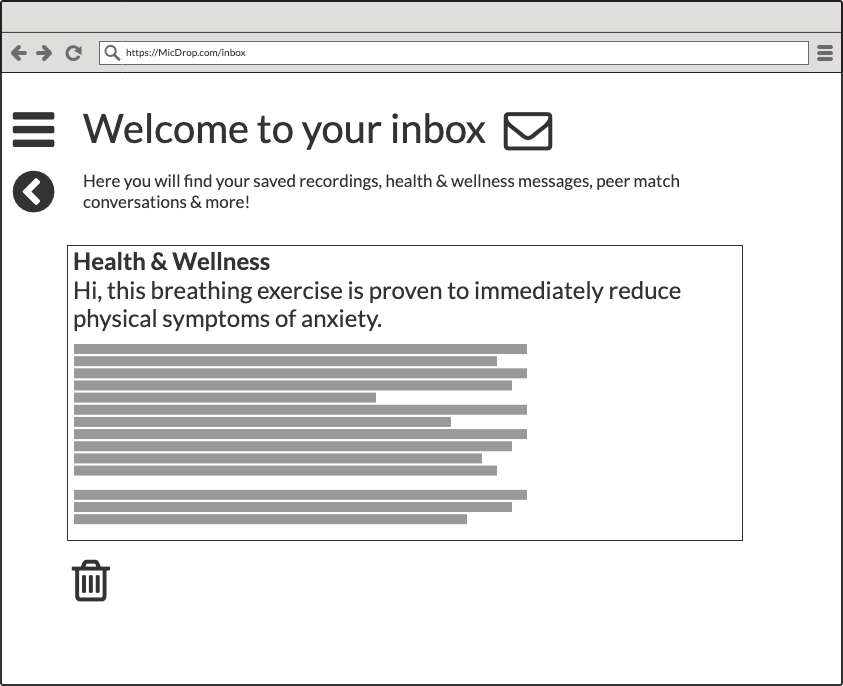
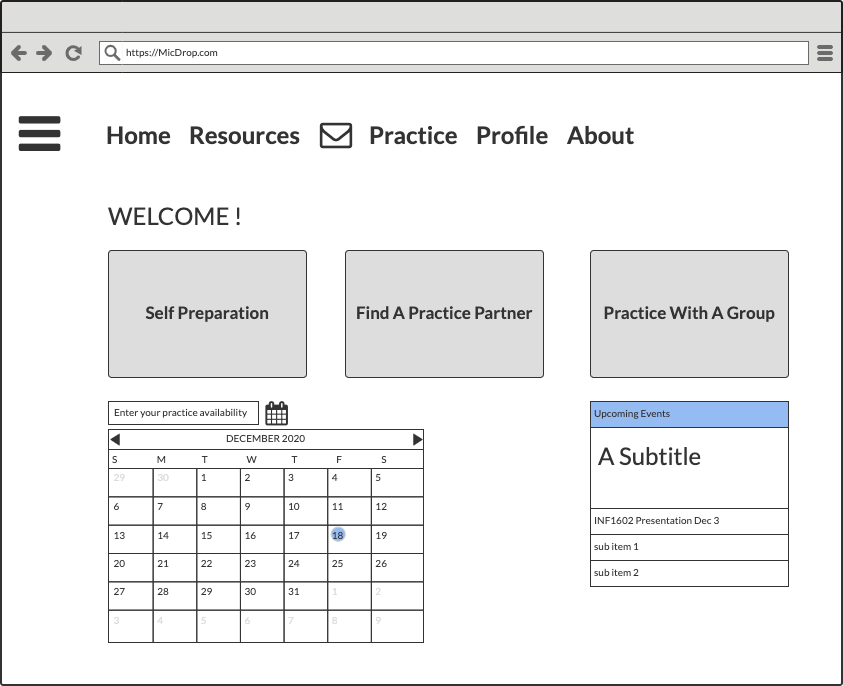
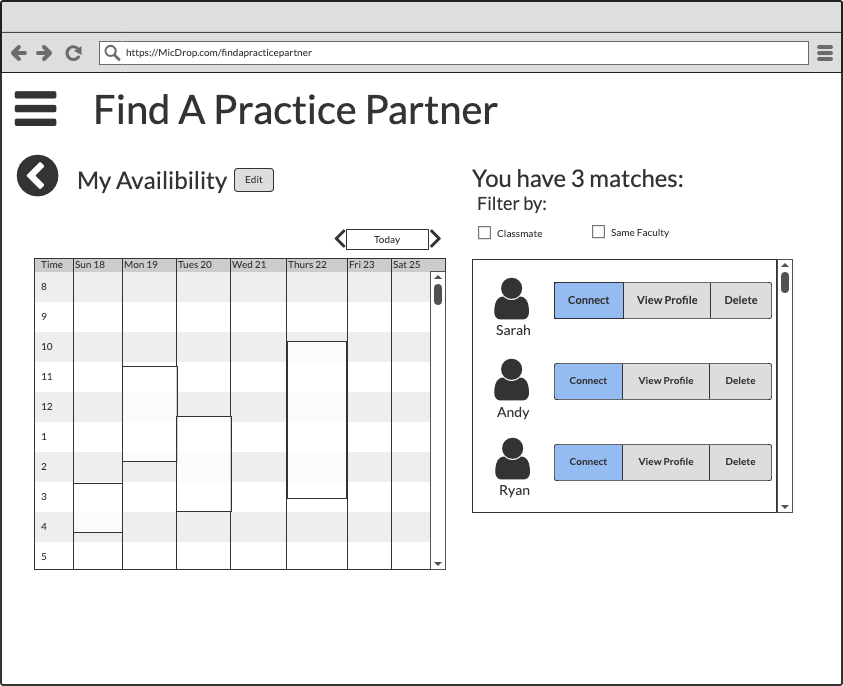
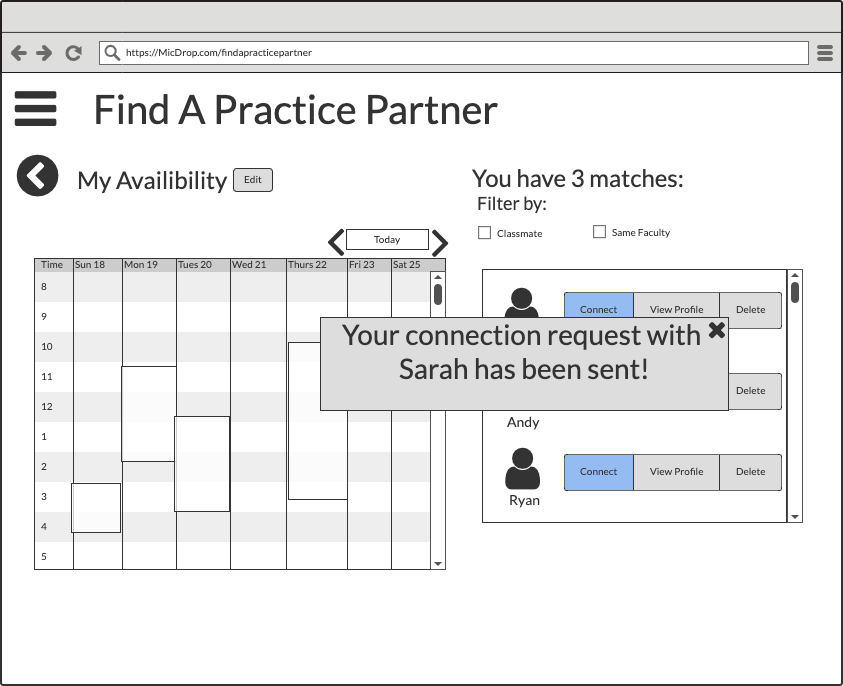
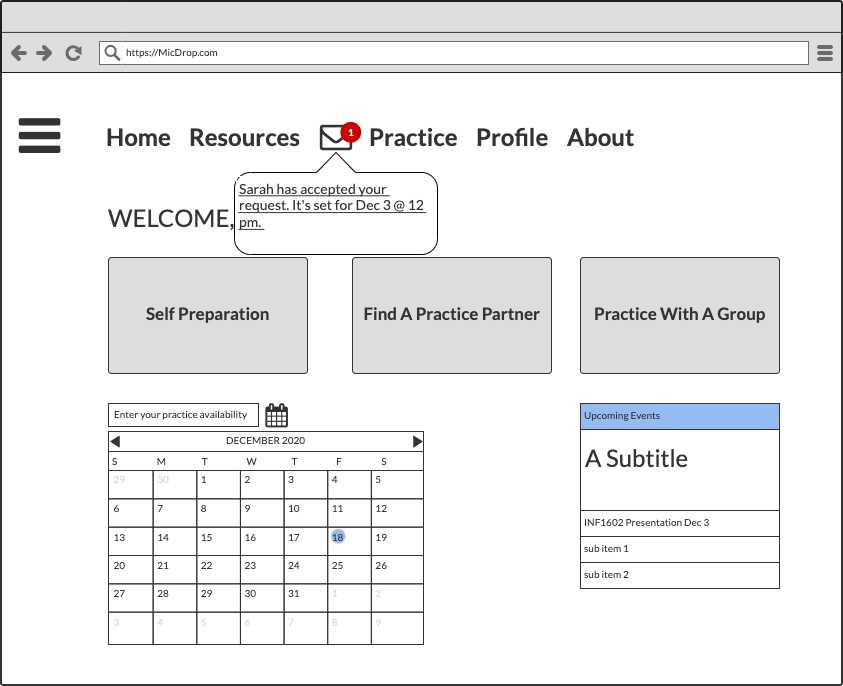
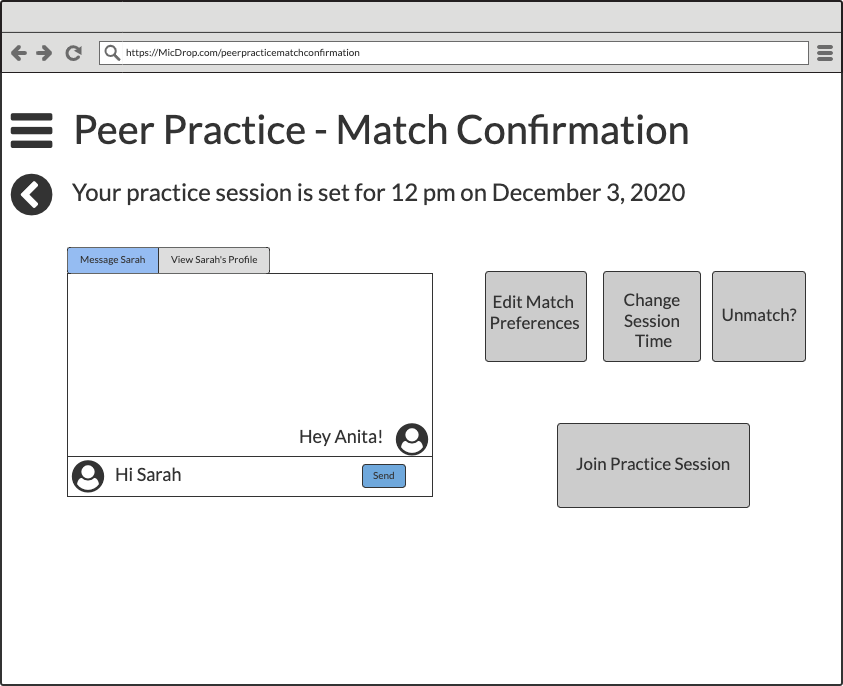
We used the feedback generated by our lean evaluation to create a fully-clickable medium fidelity prototype of the website in Balsamiq. We used this prototype to conduct our usability testing.
Usability Testing
Affinity diagram used for qualitative analysis of usability testing results
• interactive calendar • search feature to find & match with specific users • video interface should be consistent in every practice mode
Lessons Learned
Communication is everything when it comes to working in a team. This was my first time working on a UX project with a group dynamic. I learned that the success of the project depends on building strong team relationships.